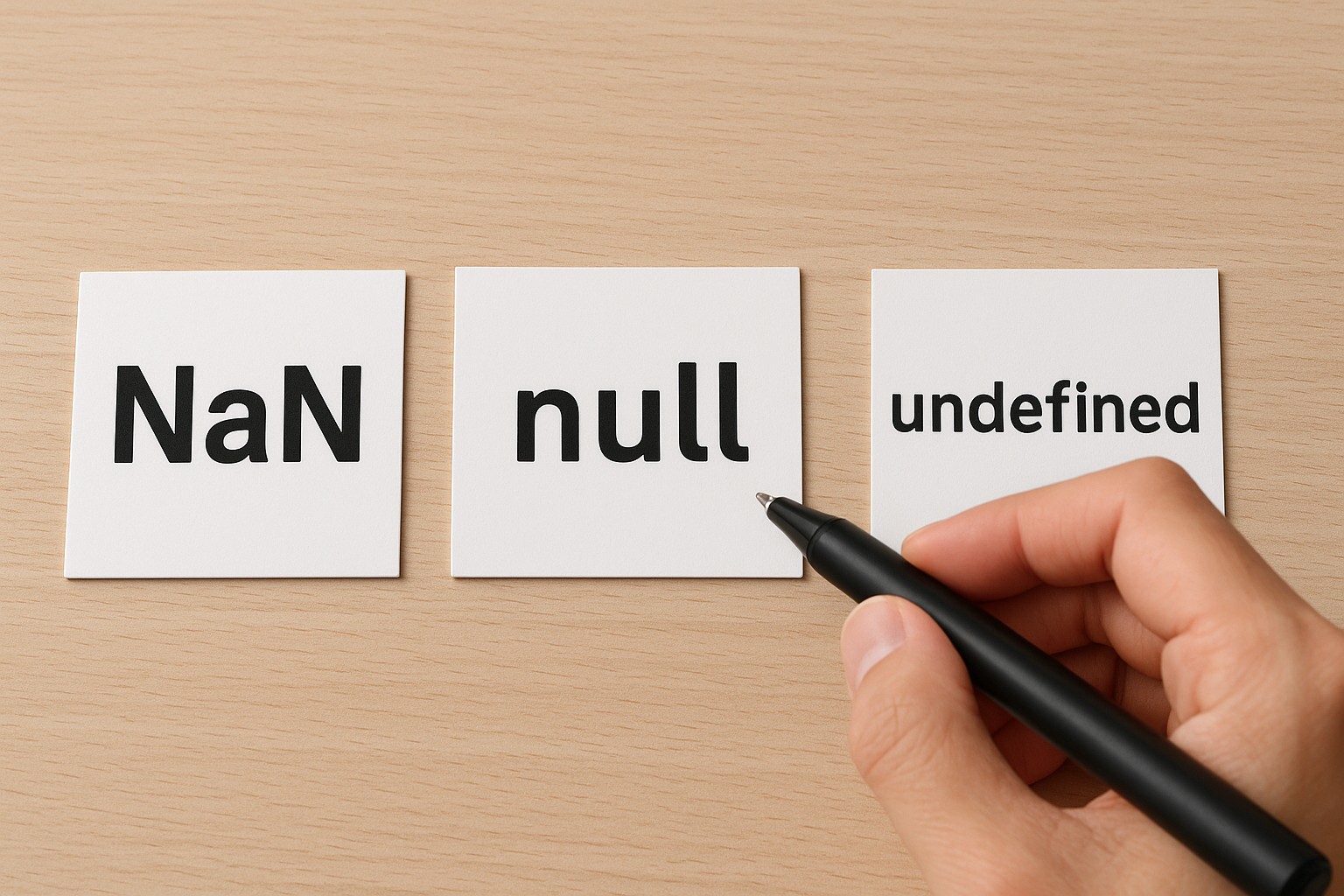
NaN vs Null vs Undefined key differences you should know can save you hours of debugging in JavaScript and TypeScript. These three values look similar in logs, yet they signal very different states in your program and affect comparisons, serialization, and math in surprisingly sharp ways.
What NaN, null, and undefined mean (and why the distinction matters)
NaN, null, and undefined are all “special” values you’ll encounter constantly, but they represent different kinds of absence or failure. undefined typically means a variable exists but has not been assigned a value, or a property isn’t present. null usually means an explicit, intentional lack of value—your code (or an API) is saying “this is empty on purpose.”
NaN (Not-a-Number) is different: it’s a numeric value in JavaScript’s number type that represents an invalid numeric result. It commonly appears when you try to perform a numeric operation on something that can’t be converted into a meaningful number (like "abc" / 2). The result isn’t null or undefined; it’s a number that is specifically “not a valid number.”
In practice, confusing these leads to brittle checks like if (!value) that accidentally treat 0, "", null, and undefined as the same. I’ve seen production bugs where missing data (undefined) was accidentally converted into NaN, passed through calculations, and only surfaced much later as a broken chart or impossible metric.
Data types and behavior in JavaScript: numbers, primitives, and special cases
All three are primitives, but their types and semantics differ. typeof null is famously "object" due to a historical quirk, while typeof undefined is "undefined" and typeof NaN is "number". That last one often surprises developers—NaN is a numeric value, even though it indicates an invalid number.
They also “flow” differently through your code. undefined often arises from implicit behavior: accessing a missing object property, having a function return nothing, or destructuring a missing key. null is usually explicit—developers or APIs set it. NaN arises from numeric coercion and math. So understanding where each comes from can guide you to better validation: schema checks for null, presence checks for undefined, and numeric guards for NaN.
Another practical angle is how these values appear in JSON and external APIs. undefined is not valid JSON and will be dropped in many serialization cases, while null is valid JSON and preserved. NaN isn’t valid JSON either; it may get turned into null or throw depending on the serializer. That matters if you’re building APIs, storing data, or logging events.
Type coercion and equality: == vs === (and common pitfalls)
Equality rules are where NaN vs Null vs Undefined differences get most confusing. With strict equality (===), null is only equal to null, and undefined only equals undefined. With loose equality (==), JavaScript has special rules: null == undefined is true, but neither is equal to 0 or "".
NaN is the oddest case: it is not equal to anything, including itself. That means NaN === NaN is false and NaN == NaN is also false. So checks like value === NaN never work. This is a very common bug pattern in code reviews—someone tries to detect NaN using equality and it silently fails.
Equality and detection cheat sheet
null == undefined→true(loose equality special-case)null === undefined→false(different types/values)NaN === NaN→false(NaN is never equal to itself)- Detect NaN safely:
Number.isNaN(value)(best for reliable NaN detection)Object.is(value, NaN)(also works, sometimes useful for edge cases)- Detect missingness reliably:
value == nullchecks fornullorundefined(intentional use of loose equality)value === undefinedchecks only undefinedvalue === nullchecks only null
In my own projects, I use === almost everywhere, and I make two exceptions only when they improve clarity: value == null (to treat null/undefined the same) and Object.is when I need to handle NaN and -0 precisely. Those exceptions are deliberate, not accidental.
How NaN happens: numeric conversion, parsing, and safer alternatives
NaN usually appears through coercion or parsing. Some common examples: Number("abc") yields NaN, "abc" * 2 yields NaN, and parseInt("10px", 10) yields 10 while Number("10px") yields NaN. The distinction between Number() and parseInt()/parseFloat() matters: the parse functions read leading numeric parts, while Number() tries to convert the entire string.
Even trickier, parseInt("") returns NaN, but Number("") returns 0. That difference can cause subtle bugs when you read form inputs, query parameters, or CSV data. If you treat empty input as zero, that might be fine—or it might be disastrous in analytics calculations.
A practical pattern is to validate before you calculate. If the incoming data is supposed to be numeric, normalize and check it early. For example: trim strings, reject empty values, and use Number.isFinite(n) if you want to exclude NaN, Infinity, and -Infinity. And if you need to keep “missing” separate from “invalid,” don’t collapse everything into NaN; use null for intentionally empty and a structured error for invalid.
Undefined vs null in real code: APIs, optional fields, and best practices
The undefined vs null choice often reflects design decisions. In many JavaScript APIs, undefined means “not provided,” while null means “provided but empty.” This is important for PATCH endpoints, settings objects, and configuration merging. For example, in a settings update, omitted fields (undefined) should usually leave existing values alone, whereas null might explicitly clear a value.
In object access, missing properties return undefined, which makes optional chaining (obj?.a?.b) naturally aligned with undefined. But for persistence layers or API responses, null often communicates intent more clearly: a database column can be null; an API field can be null; a JSON payload can carry null. Meanwhile undefined often disappears during serialization, leading to confusing discrepancies between in-memory objects and what’s stored or sent.
A personal preference that’s served me well: use undefined for “not set yet / not provided,” use null for “intentionally empty,” and avoid sprinkling both for the same meaning in the same codebase. If you must accept both (common with third-party APIs), normalize at your boundaries—convert incoming values to a single internal representation so downstream code stays predictable.
Practical debugging and patterns: preventing bugs in apps and TypeScript
When debugging, the first step is to identify which “kind of nothing” you have. console.log can be misleading, so check type and context. For NaN, log both the raw value and how it was derived; for undefined, track property paths and defaulting logic; for null, search for explicit assignments or API payloads.
TypeScript helps, but only if you model it. Use strictNullChecks and represent absence explicitly: string | null when null is meaningful, string | undefined for optional properties, or string | null | undefined only when you truly need all cases. Also consider using unknown for external data and validating it before use. That prevents accidental coercions that turn missing values into NaN and quietly corrupt computations.
In application code, prefer explicit checks over broad falsy checks. if (!value) conflates 0, "", false, null, undefined, and NaN (since Boolean(NaN) is false). If you’re handling user input, these differences matter a lot: an empty string isn’t the same as missing input, and zero isn’t the same as invalid number.
Conclusion: choose the right “missing” and validate the rest
NaN vs Null vs Undefined differences are less about memorizing definitions and more about writing code that communicates intent. Use undefined for missing or omitted values, null for intentionally empty values, and treat NaN as a signal that numeric conversion or math went wrong. Then back it up with the right tools: Number.isNaN for NaN, strict equality for most comparisons, and intentional handling of null/undefined at your system boundaries.
If you adopt one habit, make it this: stop using broad falsy checks when correctness matters, and replace them with targeted validation. Your future self—and your bug tracker—will thank you.